In the fast-moving world of software and digital products, CEOs often face a familiar challenge: high development costs, slow launches, and disappointing user adoption. What if one of the most effective levers to solve these issues isn’t more features or bigger teams, but better design from the start?
This article explains how a strong UX (user experience) design strategy not only drives user satisfaction but also significantly reduces development and maintenance costs, without sacrificing speed. If you’re building a product now (or planning one), you’ll want to read this.
What we mean by “UX design” and “cost reduction”
UX design is more than visual polish. It’s about deeply understanding your users’ needs and behaviours, mapping workflows that make sense for them, prototyping solutions, testing, iterating—and only then developing code. When done well, it means you deliver the right product rather than accidentally building the wrong one.
When we say cost reduction, we’re talking about:
- Fewer development hours wasted on misunderstood requirements or feature changes
- Less time spent on bug fixes, re-work or redesigns after launch
- Lower support and training costs because users find your product intuitive
- Faster release cycles, meaning you get to market earlier and capture value sooner
Research backs this up: for example, one article reports that organisations adopting a user-centred UX approach cut development and testing time by about 33%. And even bigger claims: “every $1 invested in UX returns ~ $100”.
1. Why early UX saves money: the “fix it now vs fix it later” equation
One of the most compelling cost-drivers in software is when you catch issues. According to usability research:
- Fixing a problem in the design phase is far cheaper than fixing it after development or release.
- In fact: “Changes cost less when made earlier in the development life-cycle, and massively more if made after release.”
Example: If you build a feature based on assumptions, skip user flows, and then after launch you find users struggle or abandon—that means your dev team must go back, rewrite code, perhaps re-architect, and you’ve lost time to market.
By contrast, good UX research + prototyping helps you:
- Define correct requirements upfront
- Validate flows and interactions with real users (or representatives) before writing a single line of production code
- Prevent unnecessary features or complex workflows that users don’t use
This upfront design investment may feel like a “delay”, but in fact it prevents far greater delays (and costs) later. CEOs who skip this often end up paying through high re-work, bug‐fixing, training costs, or low adoption.
2. Real-life cost-saving levers UX unlocks
Here are concrete ways UX design contributes to cost reduction:
a) Fewer revisions & re-works
When the UX workflow is integrated early (research → design → test → iterate), you reduce the likelihood of major changes during or after development. For example, one UX agency reported that eliminating design defects before development cut dev/test time significantly.
b) Improved adoption & less support/training overhead
If your product is intuitive, your users (internal or external) will require less training, raise fewer support tickets, and learn faster. That means lower operational cost, fewer delays, and better productivity. One study highlighted that good UX led to a reduced task-completion time of ~40% in a client example.
c) Faster time-to-market
By validating design early and avoiding large rewrites later, you accelerate launch. This isn’t just a “nice to have” — speed is competitive advantage. Research shows companies investing early in UX reduced development cycles by roughly 33-50%.
d) Higher ROI / business value
When users adopt your product, return increases, and costs go down. One statistic: every $1 invested in UX gives up to $100 in returns.
3. How to implement UX design for cost-reduction (without slowing down)
Here’s a roadmap for CEOs who want to make UX a lever for cost-efficiency:
Step 1 – Start with user & business research
Even if you’re tight on budget: identify the core user segments, their key pain‐points, real-world context, and your business goals. Don’t assume. Good UX starts with understanding.
Step 2 – Prioritise simplest viable flows
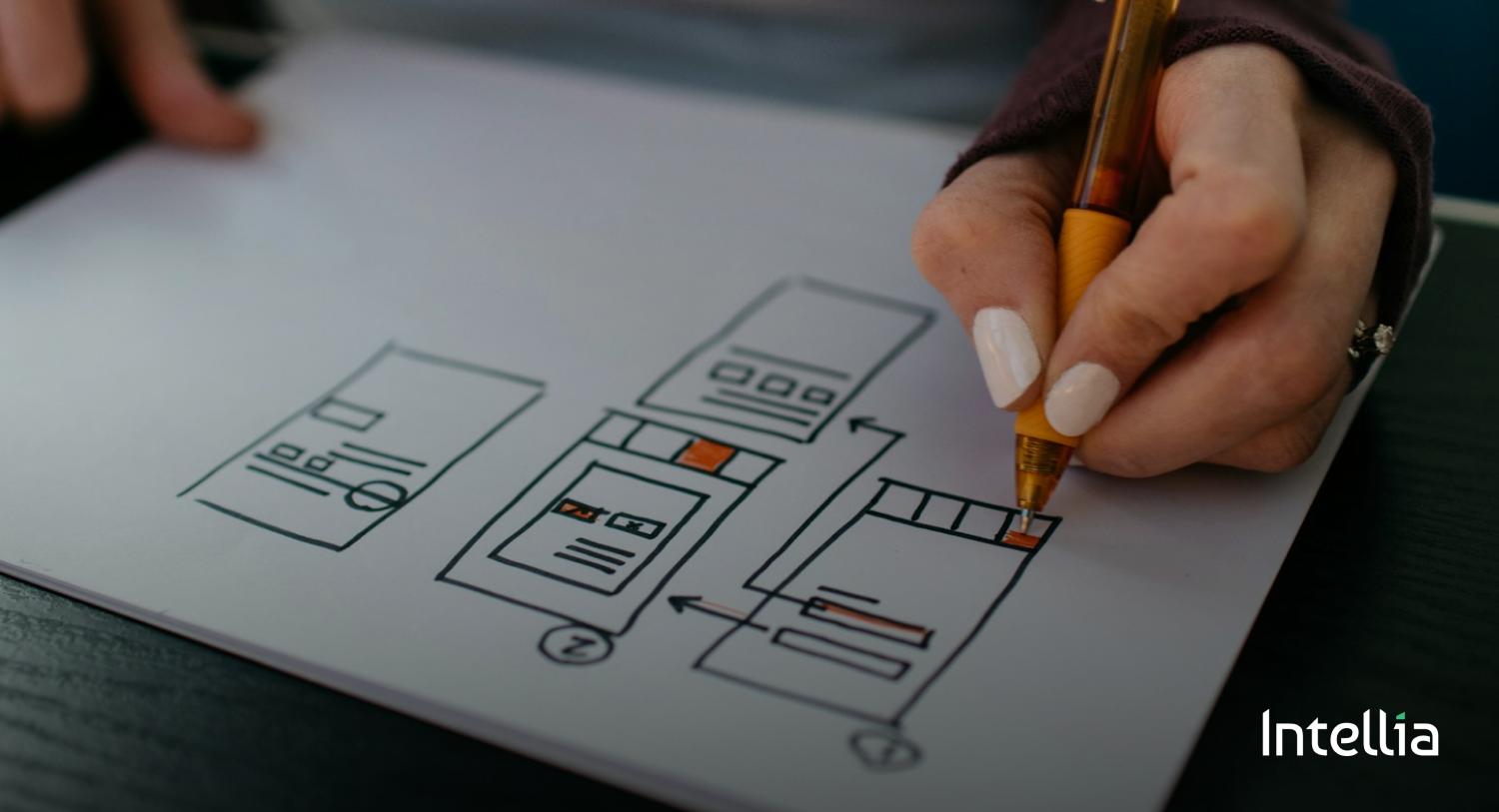
Your typical MVP workflow: define must-have user flows, design wireframes or prototypes, test them with real users or stakeholders, iterate until flows make sense. Then develop.
Step 3 – Build prototypes & test early
Prototype your key flows (clickable, low- or mid-fidelity) and test them. Discover usability issues before coding. This is when changes are cheap. Cost of change multiplies later.
Step 4 – Collaborate closely between UX/design and dev
Avoid silos. When design and dev teams work in sync, fewer translation errors, fewer mis-interpretations, fewer last-minute changes. Embed design thinking into development process.
Step 5 – Monitor user metrics & iterate post-launch
Even after launch, continue UX optimisation: measure usage, gather feedback, identify friction points, refine. This avoids building new “big features” when maybe the core UI needs polishing.
Step 6 – Make UX part of your definition of done
Define acceptance criteria that incorporate usability, onboarding, error-flows, performance. Don’t accept “feature done” when users still struggle. That hides future cost.
4. What this means for CEOs: strategic take-aways
- Thinking of UX design as “just cosmetics” is risky. It’s strategic: affects cost, speed, adoption, retention.
- Investing in UX early is not a delay—it’s an investment in efficiency and cost-avoidance.
- Your dev budget is precious: every hour spent reworking features or fixing bad flows costs more than running proper UX processes up front.
- If you see high support costs, low user adoption, long onboarding, or slow feature launches—those are red flags indicating UX is weak and you’re paying the price.
- Align your product strategy: combine business goals, user needs, and design discipline. That triad gives you faster, cheaper, better results.
Conclusion
As a CEO or founder building software, you face two key pressures: keep costs down and move fast. Good UX design is often overlooked as a cost—but in fact it is one of the most powerful cost reducers you can deploy. By catching issues early, streamlining workflows, reducing supporting overhead and improving user adoption, UX becomes a multiplier for efficiency.
If you’re about to launch a product, scale one, or invest in new features—ask yourself: “How much am I spending because users don’t understand my product, because I didn’t validate flows, because I’m building features nobody uses?” Then reverse that equation by making UX a strategic lever.
Think of it this way: the code you write is expensive. The design before the code? It’s cheap. Catching UX issues before the code is written saves you many times more in development, support, training and re-work.
Start early, prioritise your users, and align that with your business goals. That’s how you build not just a product—but a product that scales, costs less, and users love.