That’s where UX/UI comes into play. But here’s the powerful truth: investing in UX/UI isn’t just about aesthetics or good design... it’s about making a measurable business impact. From reducing friction and accelerating adoption to driving more purchases and boosting customer lifetime value, UX/UI delivers quantifiable results. In this article, we’ll explore why UX/UI is a smart business decision, unpack key metrics that matter, and even tell a story of how we helped a client transform metrics and drive business growth.
1. The business case for UX/UI: Why it’s more than look & feel
Many business leaders still view UX/UI as optional, something to add if budget allows. But a strong body of research tells a different story:
- According to an article, companies that prioritise design achieve 32% higher revenue growth and 56% higher total returns to shareholders compared to their less-design-oriented peers.
- Research shows that for every $1 invested in UX design, the return can be as high as $100.
- Good UX reduces cost, improves productivity, and drives user satisfaction, all of which feed into business performance.
In short: UX/UI isn’t a cost centre, when done right, it becomes a performance lever.
_____________________________________________________
2. Key business metrics improved by UX/UI
Here are the metrics you should watch, and which UX/UI improvements can move:
2.1 Time to Value (TtV) & Time to Adopt
When users quickly see value from your product, they adopt it faster, stay engaged, and churn less. Good onboarding flows, intuitive UI, clear information architecture: they all reduce the time until the user says “yes, this works for me”.
By designing for clarity and eliminating friction, UX/UI shortens TtV and accelerates adoption, which means faster conversion and revenue recognition.
2.2 Conversion Rate & More Purchases
Conversion rate is a direct business metric: the percentage of visitors who take the desired action (purchase, signup, upgrade). Improving UX, for example, reducing steps in checkout, clarifying calls to action, improving mobile responsiveness, raises conversions.
In addition, when the interface is easy and trusted, users are more likely to buy more, return, upgrade.
2.3 Retention & Customer Lifetime Value (CLV)
Once a user is onboarded, retaining them matters. Better UX leads to higher satisfaction, fewer frustrations, fewer drop-offs, which means higher retention, more repeat purchases, and higher CLV.
Moreover, when users enjoy your product, they recommend it: word-of-mouth and referrals also tie into ROI.
2.4 Less Friction & Reduced Cost (Support, Training, Errors)
Friction shows up in many business costs: longer training, higher support volume, more error rates, increased internal inefficiencies. Good UX reduces these costs. For example, by simplifying workflows and reducing user mistakes, you save support hours and speed up internal processes.
By decreasing cost and increasing efficiency, the business case becomes even stronger.
2.5 Engagement Metrics: More Scroll, More Time, Lower Bounce
Engagement is a precursor to conversion. When users scroll more, stay longer, explore more pages, they’re more likely to convert or engage deeper. UX/UI plays a central role: good visual design, clarity of navigation, purposeful micro-interactions all contribute.
If users bounce quickly or leave, you’re losing opportunity. Improving UX lowers bounce rate, raises dwell time, and gives more chance to convert.
_____________________________________________________
3. Story: How Intellia Studio helped a Client transform metrics
At Intellia Studio, we recently worked with a mid-sized SaaS provider, who approached us with this challenge:
Their onboarding flow was slow, many users didn’t complete setup, and conversion from free trial to paid plan was stuck at 4%. Moreover, user support tickets for “how to use feature Y” were high, and churn within the first 30 days was around 22%.
Step 1: Discovery & Benchmarking
We began by mapping the user journey, identifying friction points (e.g., confusing step in onboarding, unclear UI for key feature, long form fields), and setting baseline metrics: time to first value (TtV) averaged 14 days, trial-to-paid conversion 4%, 30-day churn 22%, support tickets ~210 per month.
Step 2: UX/UI Redesign & Optimization
We redesigned the onboarding:
- broke the setup into 3 clear steps, each with progress indicator
- simplified forms, removed unnecessary fields
- improved UI for the feature Y, better affordances, clearer labels, tutorial micro-interaction
- improved mobile layout
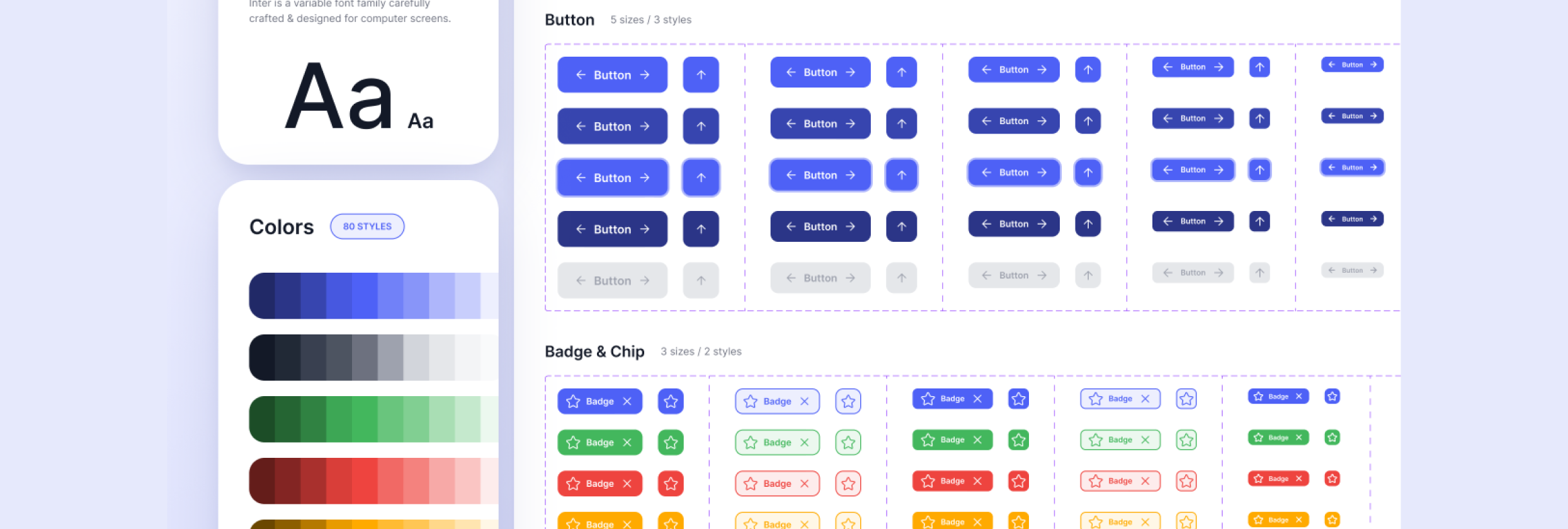
- created a design system to make future changes faster and consistent.
Step 3: Results & Business Impact
Six months after launch:
- Time to first value dropped to 5 days (-64%)
- Trial-to-paid conversion rose to 9% (+125%)
- 30-day churn dropped to 13% (-41%)
- Support tickets dropped to 120/month (-43%)
- Customer lifetime value increased because more users stayed beyond 90 days and upgraded.
Because of these improvements, Client X reported revenue growth of 18% year-over-year from the trial cohort, and internal costs associated with support and onboarding fell significantly.
Lesson:
This story illustrates how UX/UI redesign isn’t just about nicer colors or animations, it touches time to value, adoption, conversions, cost savings, and ultimately revenue. At Intellia Hub we frame every project with business metrics in mind: “How will this move the needle for conversion? For retention? For cost?” That’s how you tie UX/UI to real business value.
_____________________________________________________
4. How to build your UX/UI investment case
If you’re a business leader or product manager and you want to make the case for investing in UX/UI, here are key steps:
4.1 Align UX goals with business KPIs
Don’t talk just “make it pretty”. Identify which business metric you aim to improve: it might be conversion rate, time to value, onboarding completion, churn rate, support cost. Then map how UX work will impact that.
4.2 Establish baseline & define target
You need a benchmark: what’s the current metric? Then set a goal. For example: reduce time to value from 14 days to 7; increase conversion from 4% to 8%. Use frameworks such as the “5-step ROI of UX” to guide measurement.
4.3 Estimate costs & expected benefits
Compute cost of UX work (research, design, prototyping, implementation). Then forecast benefits: e.g., if conversion goes from 4% to 8% on a user base of 10,000 free trials at $100 average monthly revenue, then extra revenue = (8%-4%)×10,000×$100 = $40,000 per month. Compare that with UX cost to compute ROI.
4.4 Implement, measure, iterate
Launch the improved UX/UI, track the metrics, compare with baseline, iterate further. Good UX is continuous — it doesn’t stop after launch.
4.5 Communicate results to stakeholders
Present before/after data: time saved, conversions up, cost down, retention improved. Use story + numbers. That builds buy-in for future UX investments.
_____________________________________________________
5. Common business-oriented UX/UI improvements you can apply
Here are practical areas where UX/UI typically move business metrics:
- Simplify onboarding — fewer steps, clearer guidance → faster time to value
- Improve navigation & information architecture — users find what they need → more engagement, less drop-off
- Optimize forms & CTAs — reduce form fields, clarify labels, mobile optimize → higher conversion
- Responsive & mobile-first design — mobile traffic is huge; poor mobile UX kills conversions
- Micro-interactions & feedback — subtle animations, loading indicators, progress status reduce user anxiety and friction
- Design system — improves consistency, speeds iteration, reduces long-term cost
- Usability testing & user research — catch pain points early, avoid expensive redesign later
- Reduce support & training load — simpler UI means fewer tickets and faster internal adoption
- Better error handling & feedback — users don’t get stuck, don’t abandon
- Accessibility & inclusive design — tap into more users and improve reputation/trust
Conclusion
Investing in UX/UI is not just about making things look good — it’s fundamentally a smart business decision. When aligned with business metrics like time to value, conversion rate, retention, cost of support, you’ll see that UX/UI drives measurable impact. The data is compelling: every dollar spent on UX can generate up to $100 in return; companies prioritising design grow faster and outperform their peers.
At Intellia Hub we don’t just design interfaces — we design business-outcomes. If you’re ready to treat UX/UI as an investment, not a cost, the business benefits are waiting.
FAQs
Q1: Can we really quantify the ROI of UX/UI?
Yes, by linking UX improvements to business KPIs (conversion, retention, cost savings) and comparing before/after metrics you can calculate ROI.
Q2: How soon will we see results from a UX/UI investment?
It depends on the scope, some improvements (like form optimisation) can show results in weeks; others (full system redesign) may take months. The key is to pick high-impact areas early and iterate.
Q3: What’s the biggest mistake when trying to prove UX/UI value?
Treating UX as purely aesthetic or neglecting to align with business goals and KPIs. Without this alignment and measurement, UX becomes “nice to have” rather than “must have”.
Q4: Does UI matter as much as UX?
Yes, UI (interface) significantly affects usability, trust, perceived value and therefore conversion and retention. UX + UI together are stronger than either alone.
Q5: We’re a small business / startup, is UX/UI still worth investing?
Absolutely. Even small UX/UI improvements (on onboarding, checkout, mobile responsiveness) can yield outsized returns. Focus on the high-leverage areas early.